Greenstand Wallet API production environment Setup in Postman
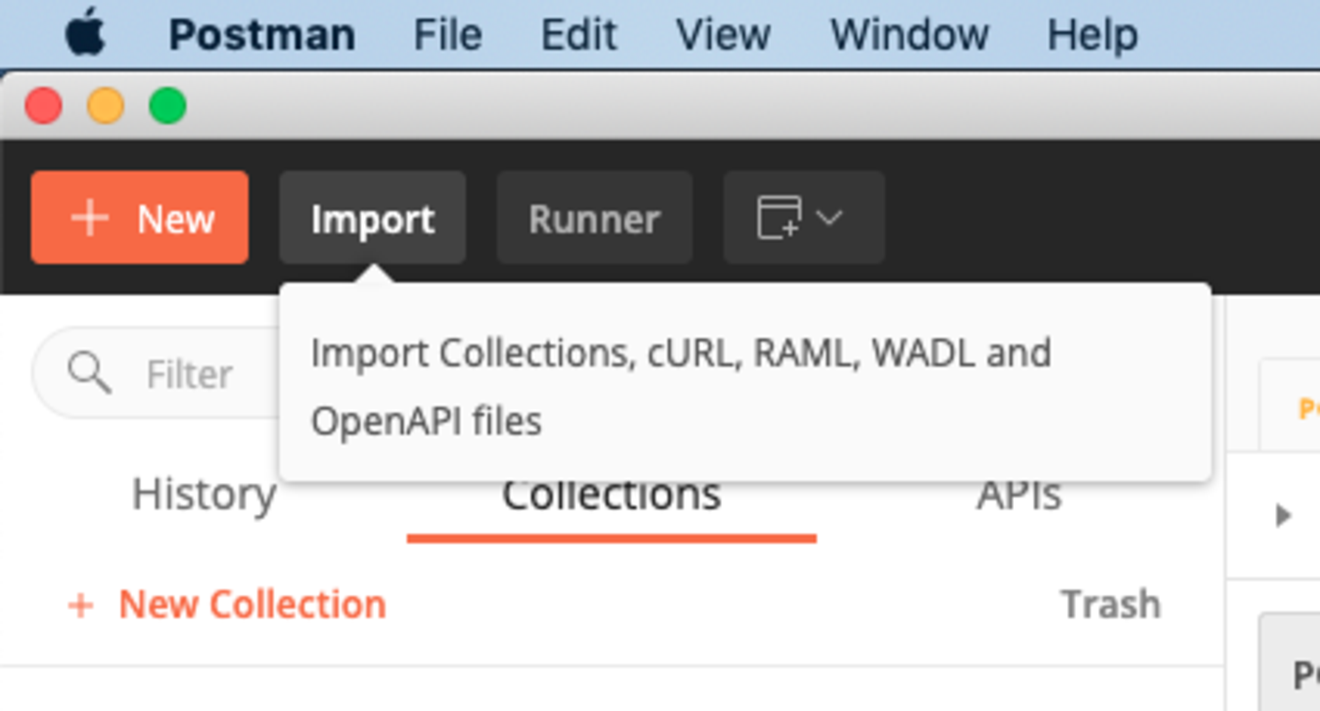
You will need the following files to set up your Postman access to your wallet
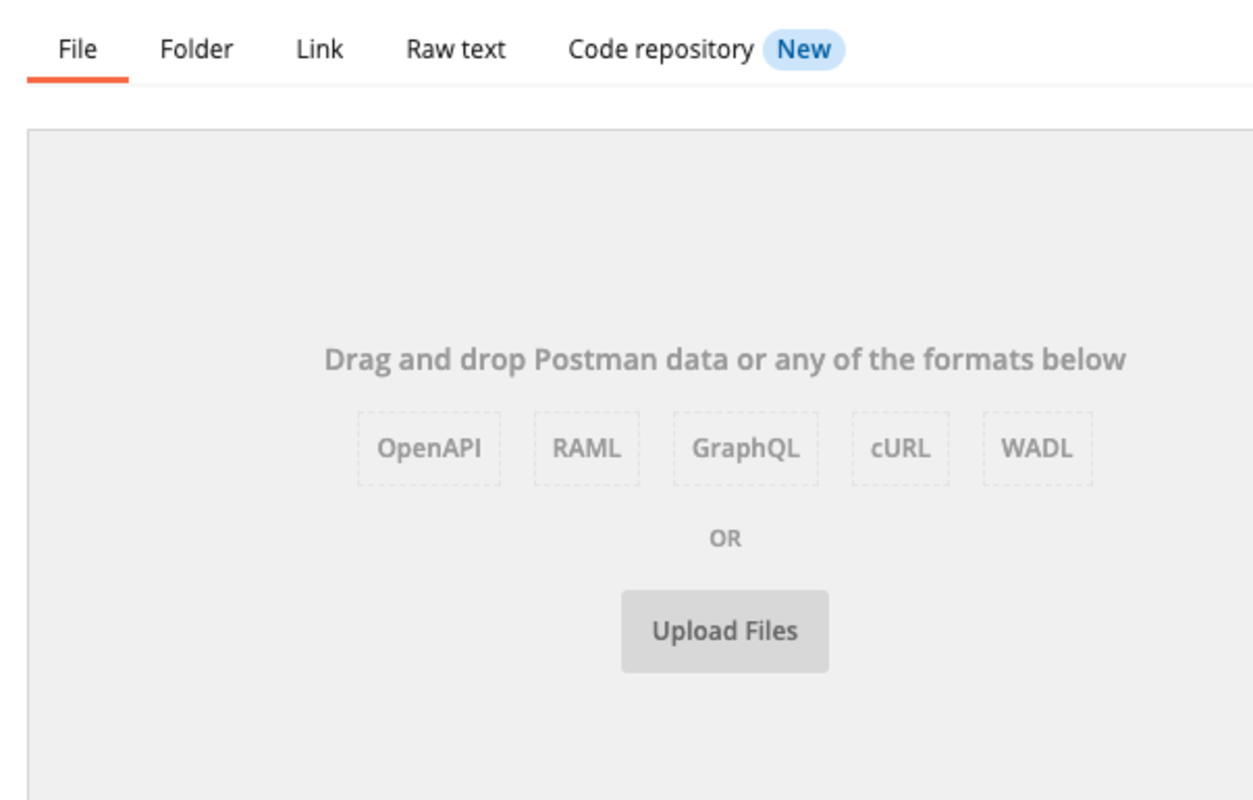
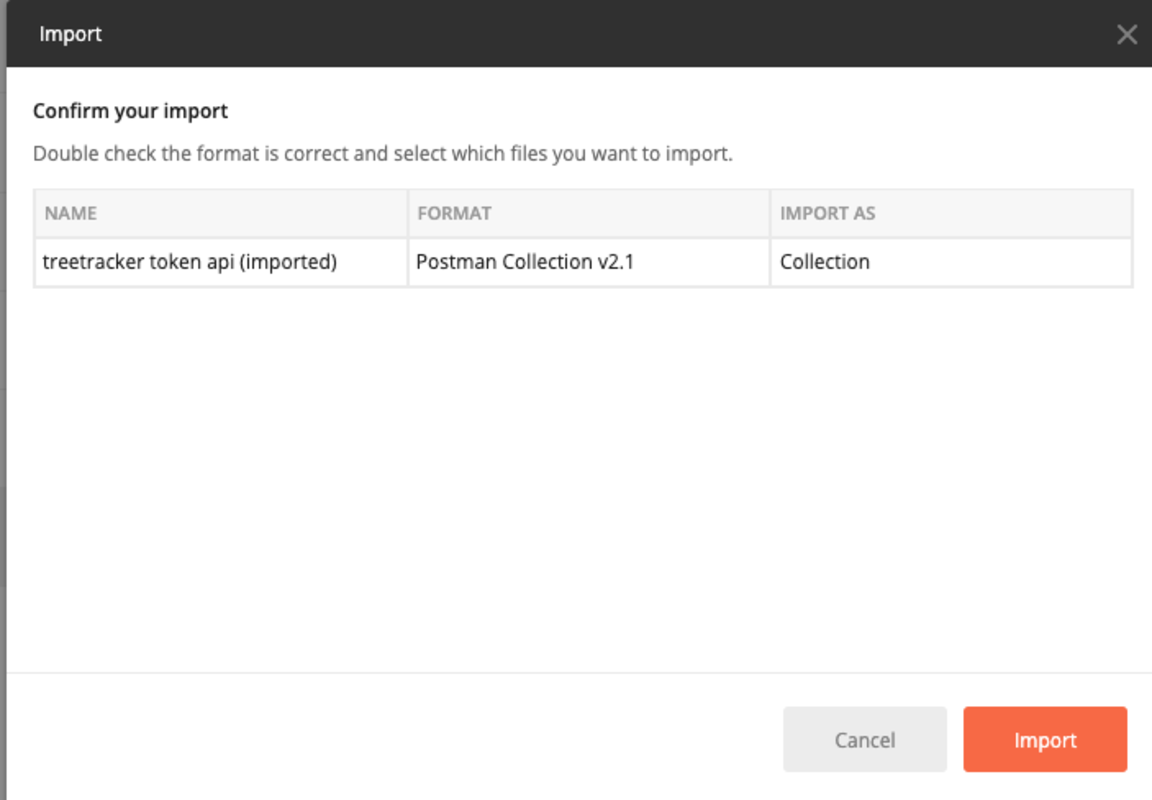
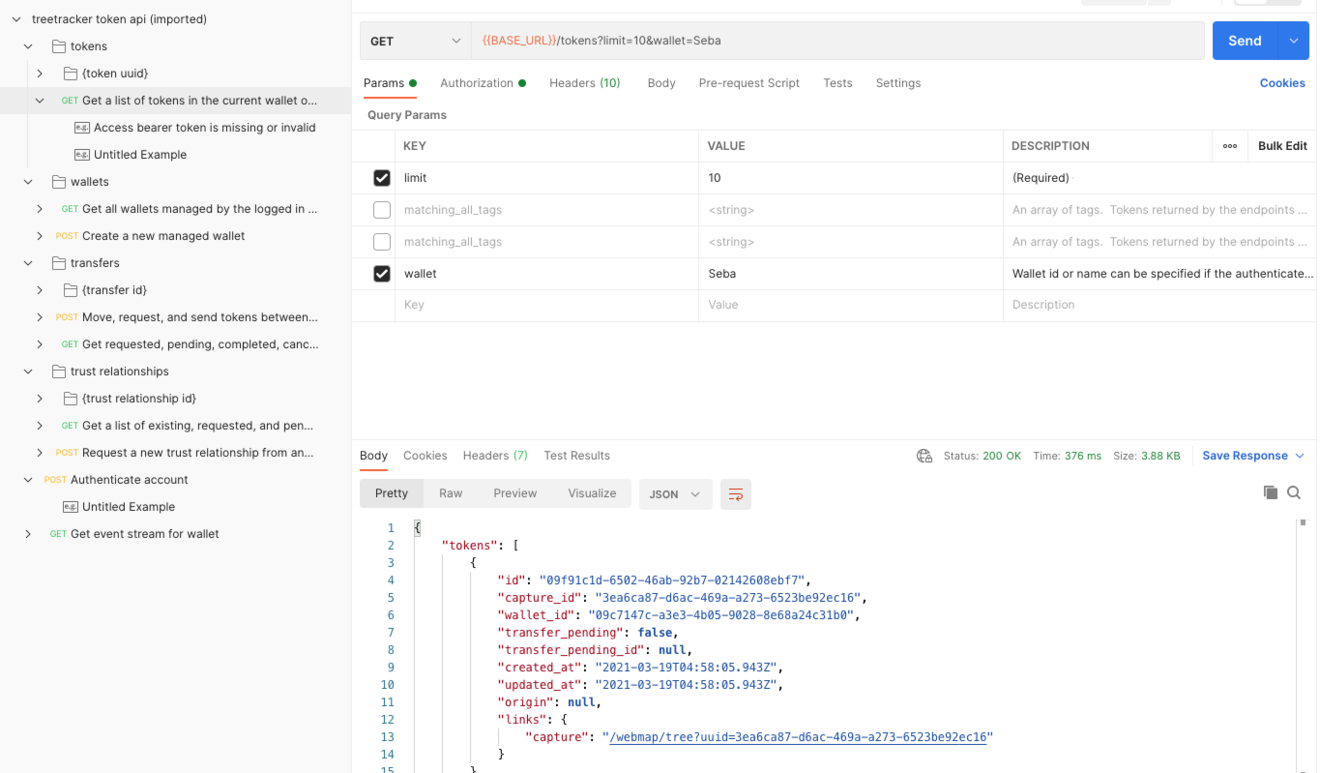
- Postman collection: download here ->
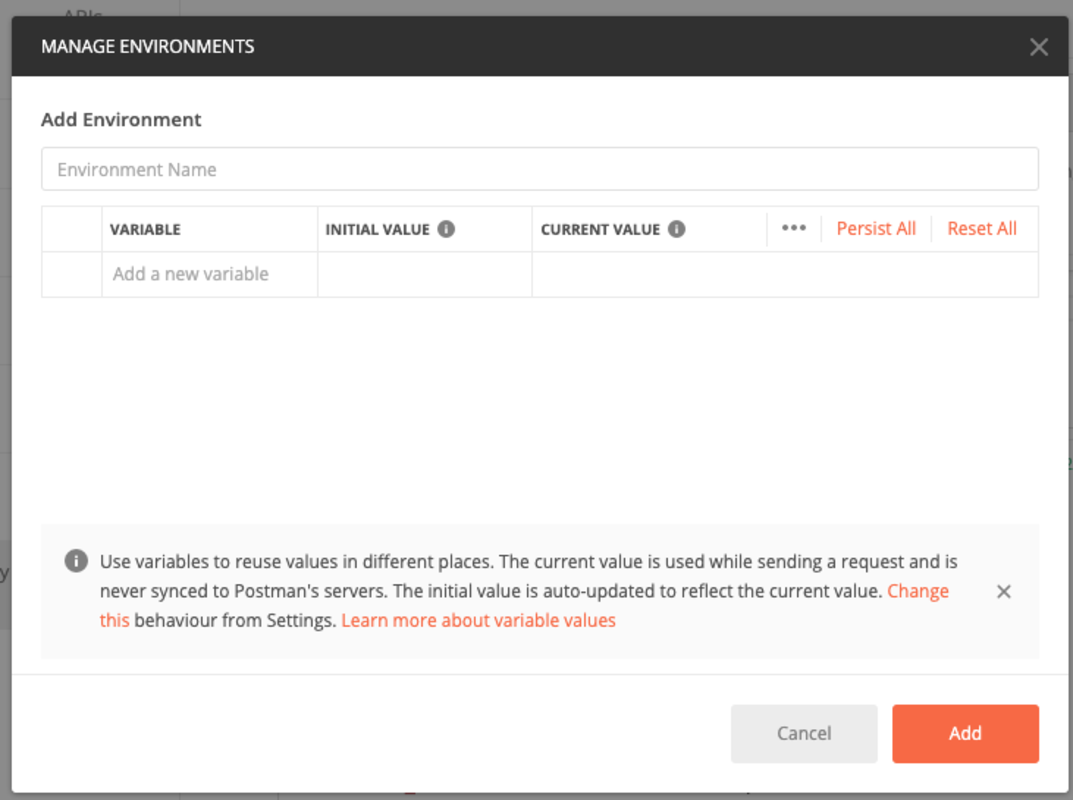
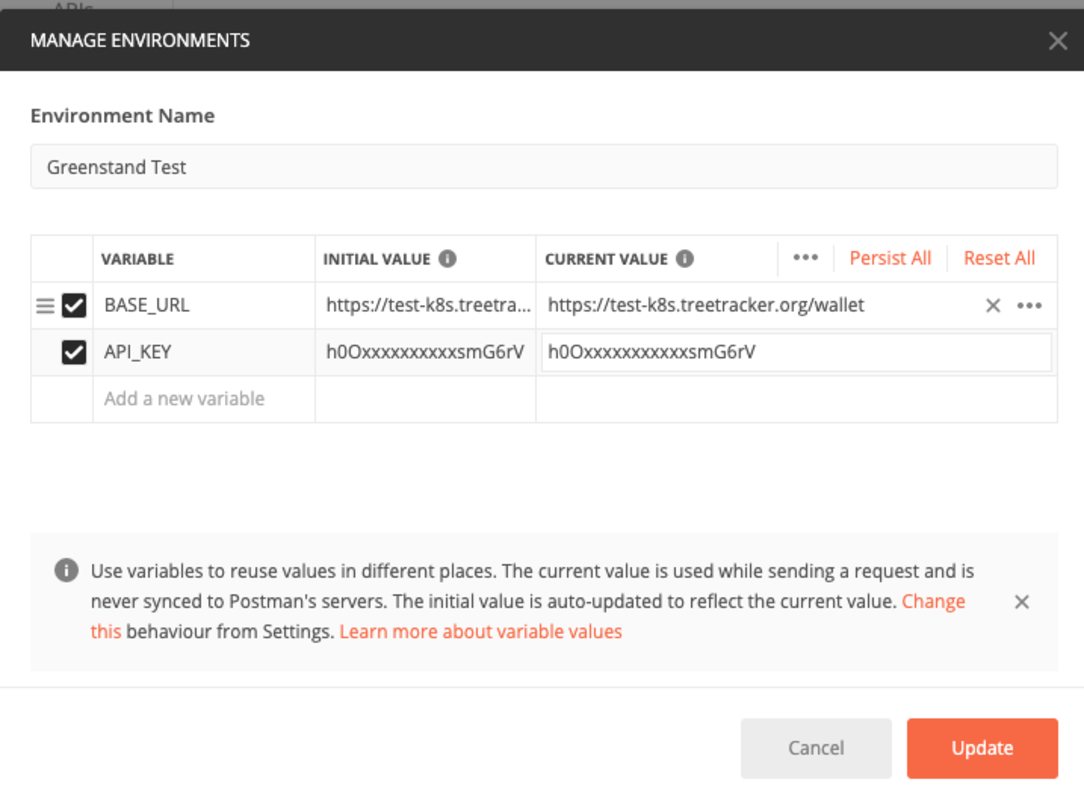
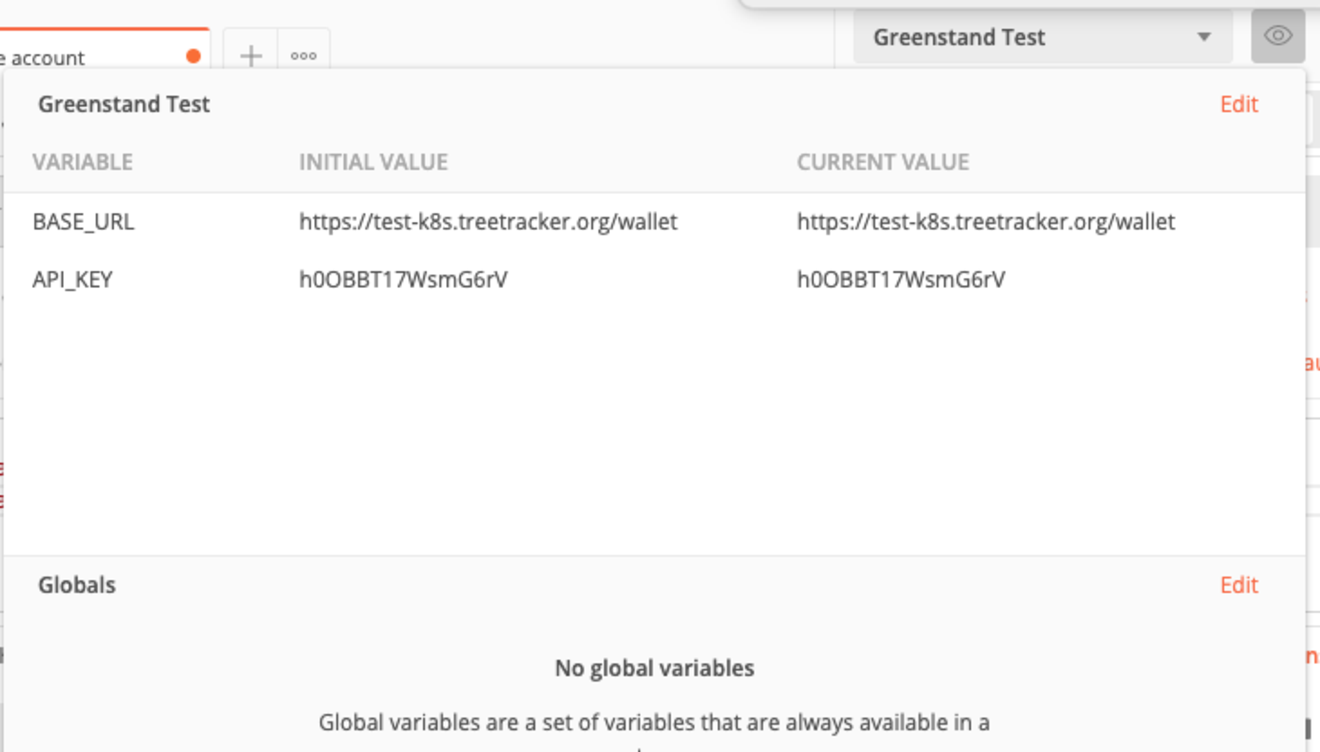
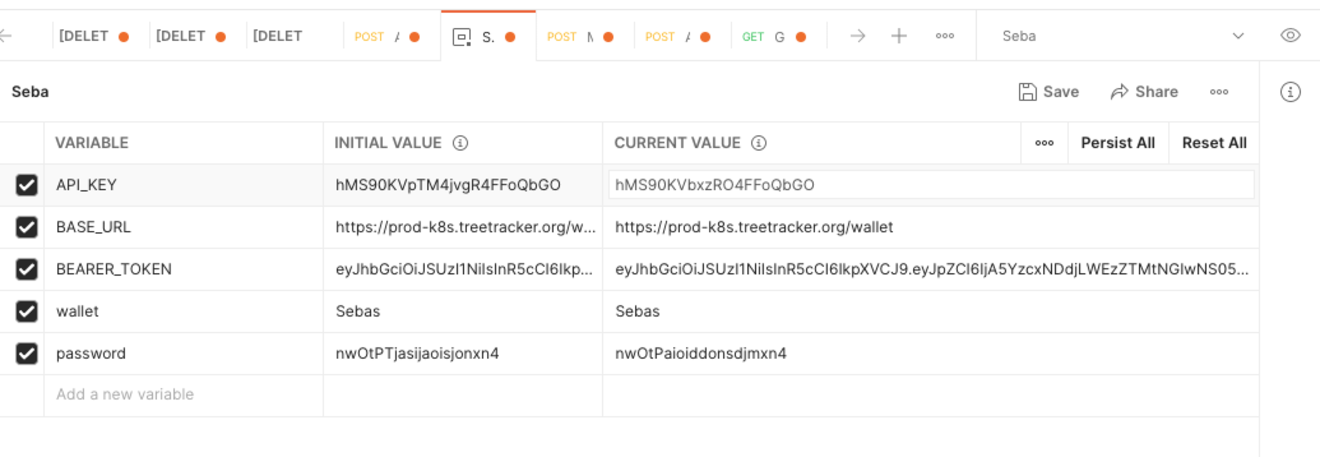
- BASE_URL (prodcution database) = https://prod-k8s.treetracker.org/wallet
- API_KEY: You will receive your wallet name in the Setup Email
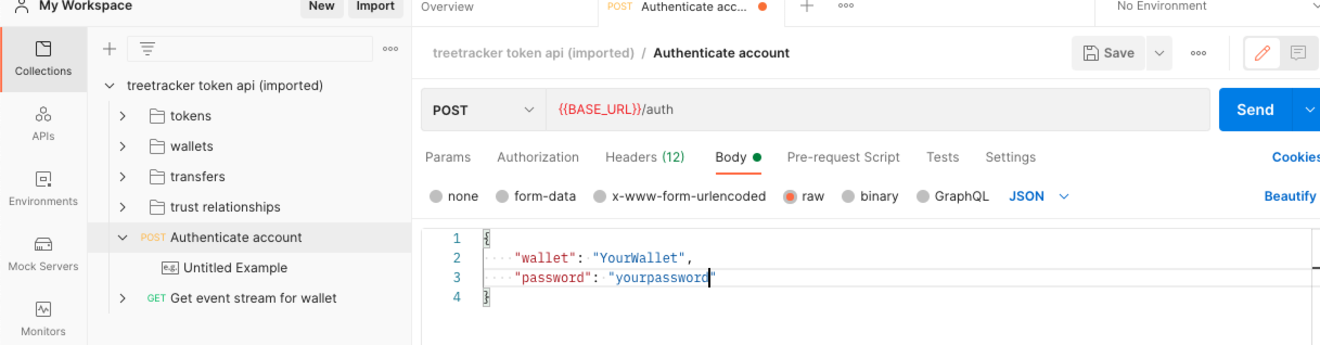
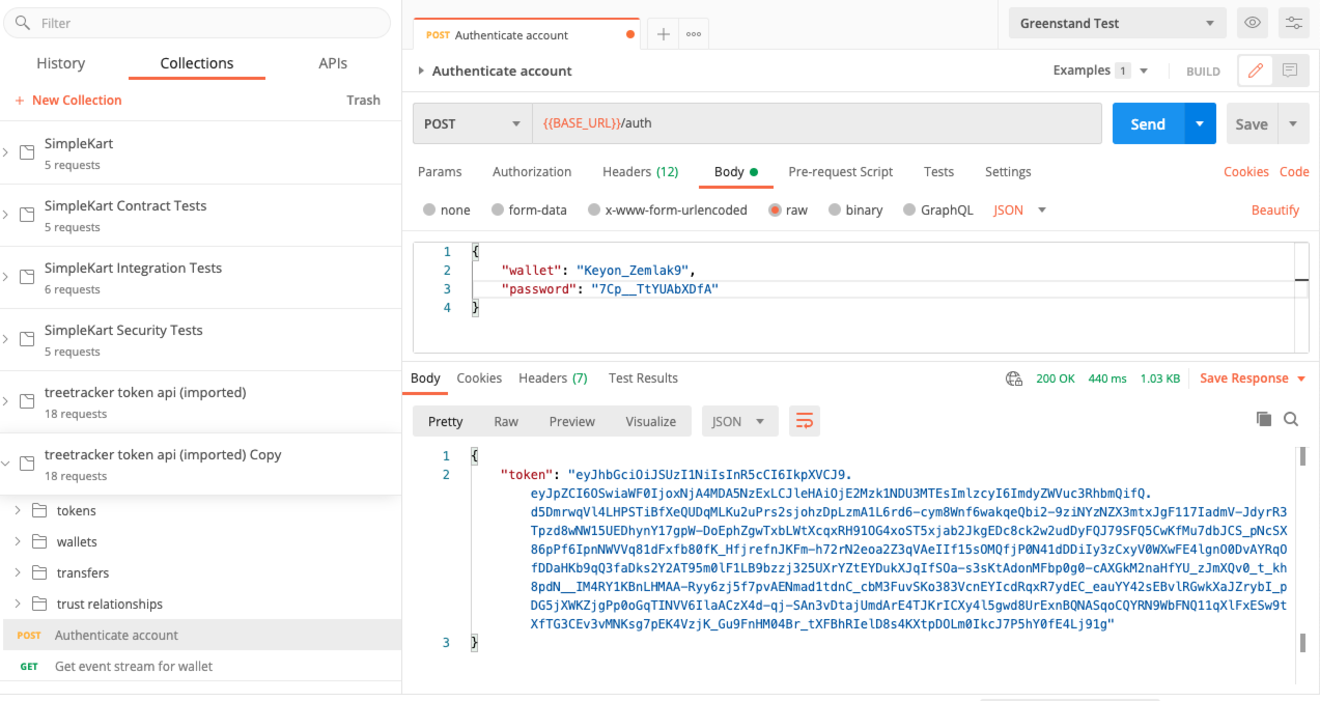
- wallet: You will receive your wallet name in the Setup Email
- password: You will receive your wallet name in the Setup Email
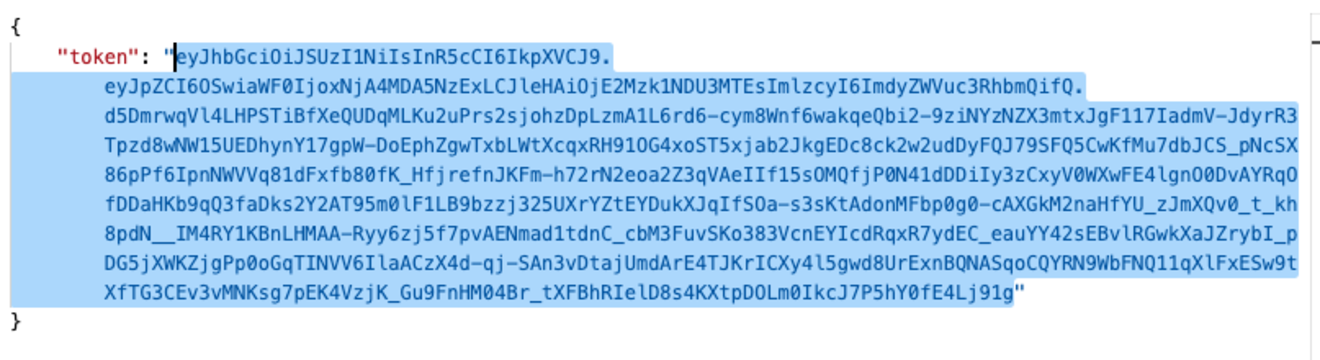
- BEARER_TOKEN: You will get this token by sending your first authenticate request see below.
Steps:
- Download Postman on https://postman.com
- Install and run Postman
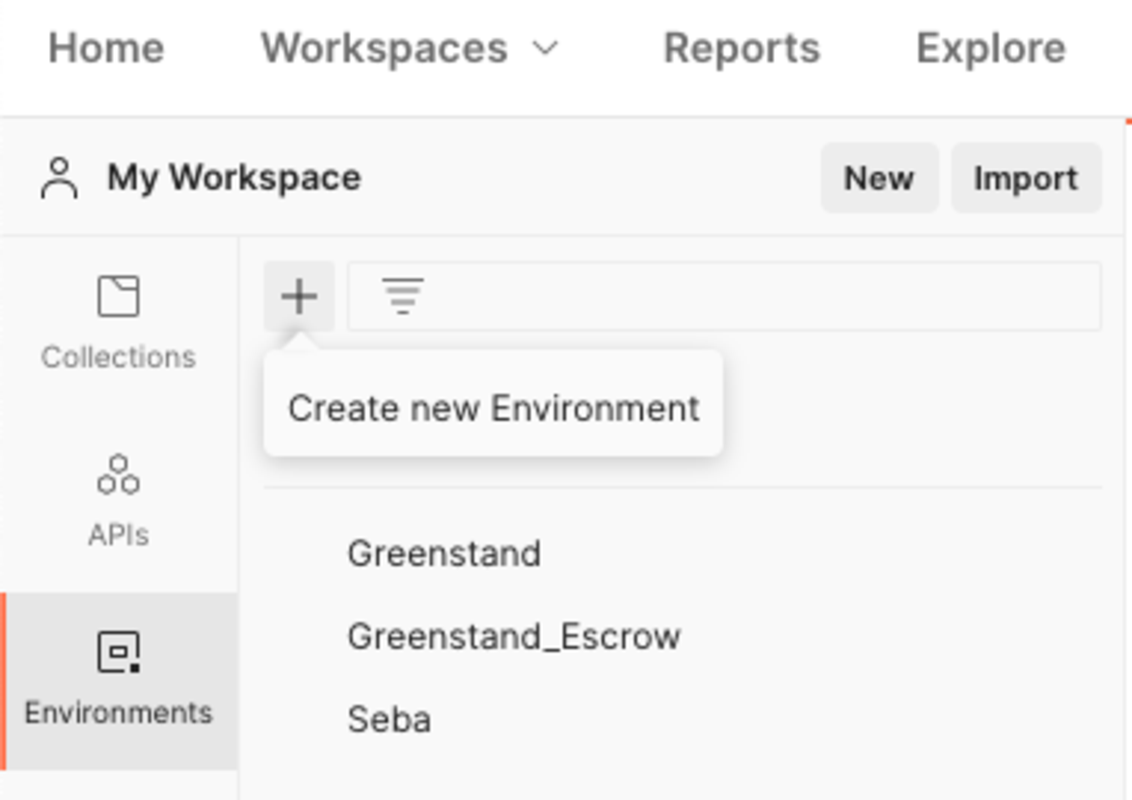
- Download this Postman environment setup file here ->